Comparisons ·
7 Best Skype Alternatives for International Calls (2026)
Skype is gone. Compare Telhey, Viber Out, Rebtel, WhatsApp, Zoom Phone, Teams and Google Voice on rates, app requirements and who each one fits best.

Skype shut down on May 5, 2025, and new users can no longer buy Skype calling services. This guide is for people who need to call regular mobile phones and landlines. If you only want to chat with friends for free, app-to-app calling in apps like WhatsApp is enough.
Quick answer: which one fits you
- Occasional calls to banks, customer service or family; no subscription, no app to install: Telhey
- Frequent calls to the same country, happy to subscribe: Viber Out
- Unstable internet, want to call over local phone lines: Rebtel
- The other person also uses WhatsApp, and you just want free chat and calls: WhatsApp
- Your company already uses Zoom or Microsoft 365 and needs phone service for employees: Zoom Phone / Microsoft Teams
- Based in the US, mostly calling the US and Canada, occasionally abroad: Google Voice
Comparison table
| Product | Lowest rate (same destination: United States) | Pay as you go | App required | Team sharing | Best for |
|---|---|---|---|---|---|
| Telhey | From $0.02/min | Yes, top-ups from $5 | No, dials in your browser | Shared balance supported | Individuals and small teams making occasional international calls |
| Viber Out | From about $0.019/min | Yes (World Credit) | Yes (mobile app; desktop version must be activated with your phone) | Not offered officially | Individuals who call one country often and are happy to subscribe |
| Rebtel | About $0.015/min (from Telhey's comparison page) | Yes (prepaid balance) | Yes (can also use local phone lines) | Not found in official materials | People with unreliable internet calling family abroad |
| Cannot call regular phone numbers | Free (app-to-app only; uses data) | Yes (web version also available) | Personal accounts only, none | Friends who also use WhatsApp | |
| Zoom Phone | No public per-minute price; US & Canada metered plan is about $10.50/user/month, outbound calls billed separately | Metered plan bills by usage | Yes | Yes (per user) | Teams already on Zoom |
| Microsoft Teams | No public per-minute price; domestic + international calling plan is about $34/user/month | Pay-as-you-go plan available | Yes | Yes (organization-wide minute pool) | Organizations already on Microsoft 365 |
| Google Voice | Calls to the US and Canada from the US are almost free; international calls at the rates on Google's site | International calls require prepaid credit | Yes / web | Supported on Workspace plans | Individuals living in the US |
Note: all rates are starting prices; actual prices vary by number type (mobile or landline) and carrier. Viber Out rates are on the Viber rates page. Rebtel's US rate comes from Telhey's Rebtel comparison page (checked October 15, 2026) and is not official Rebtel data. Zoom Phone and Teams prices come from third-party roundups; see the sources at the end.
How much does it cost to call specific countries?
The Telhey column shows starting per-minute rates in US dollars (mobile / landline). Viber Out and Rebtel are shown as the plan or credit offer listed for each country, so the units are not the same and the columns should be compared with care. Mobile and landline prices can differ, and the final price depends on the full number you dial.
| Destination | Telhey (mobile / landline, per min) | Viber Out (offer shown) | Rebtel (offer shown, in GBP) |
|---|---|---|---|
| United States | $0.02 / $0.02 | From about $0.019/min | About $0.015/min |
| India | $0.10 / $0.09 | $2.99/month | £12/month |
| Mexico | $0.08 / $0.03 | $4.99 for about 419 min | £2.50/month |
| Philippines | $0.36 / $0.28 | $9.99/month | £10/month |
| United Kingdom | $0.05 / $0.02 | $4.99 for about 33 min | £3.40/month |
| China | $1.71 / $1.71 | $4.99 for about 45 min | £3.40/month |
Rate sources: Telhey at telhey.com/rates (billed in whole minutes, rounded up; unanswered calls are free); Viber Out at the Viber rates page; Rebtel at rebtel.com/en/rates.
Checked: October 2026.
Detailed reviews
1. Telhey
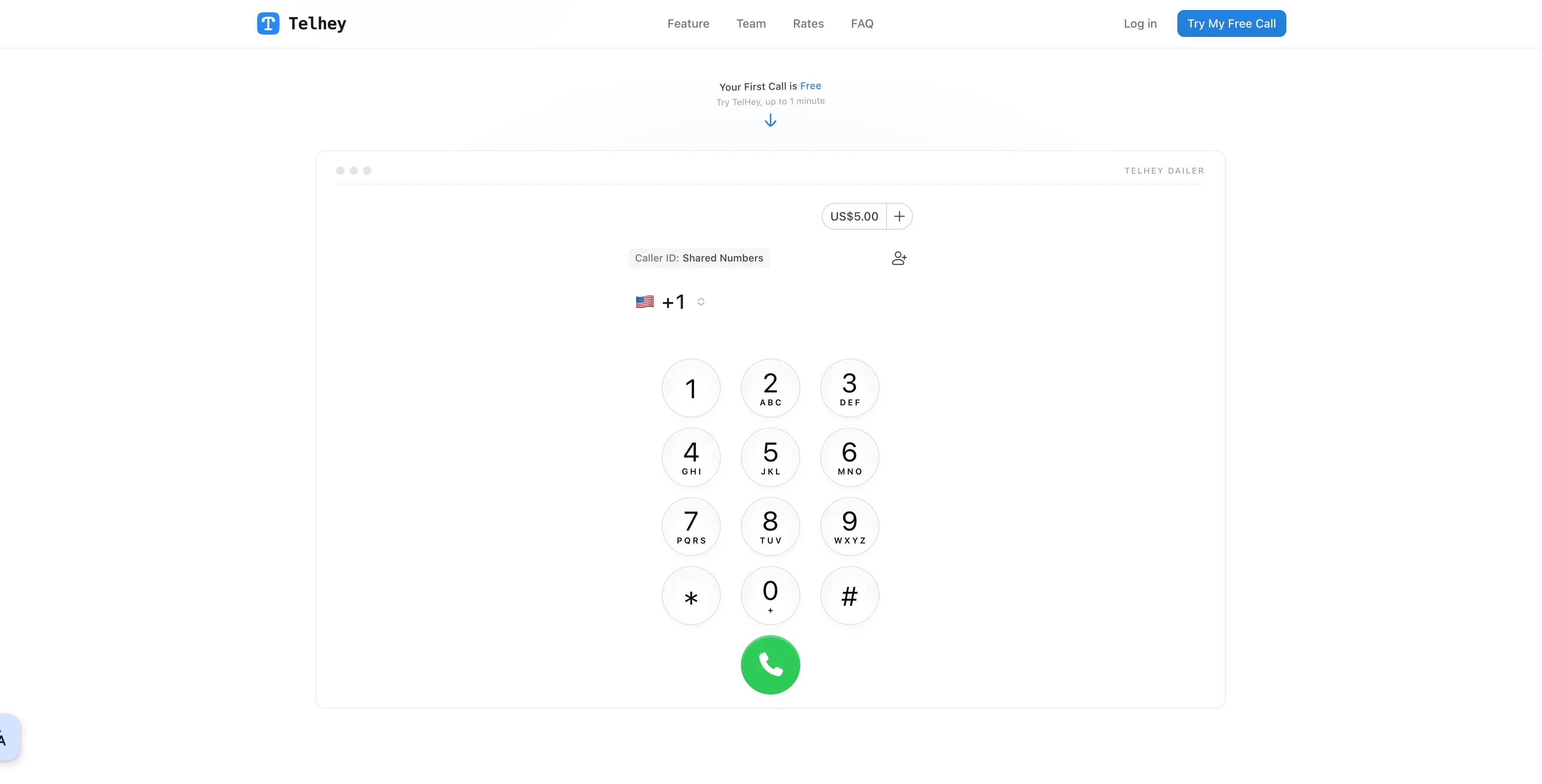
Disclosure: Telhey is our own product.
What it is: Place international calls directly in your browser, paying from a prepaid balance.
Pricing: Pay as you go. US calls start at $0.02/min; rates vary by country (see the rates page). No monthly fee, no connection fee, and top-ups start at $5. Calls are billed in whole minutes, rounded up, and unanswered calls are free.
Pros
- Keeps the core of how Skype worked: top up from $5, pay as you go, no monthly fee. Business plans like Zoom Phone and Teams charge a monthly fee per user instead.
- No app to install. Open your browser, enter a number and call.
- Covers 190+ countries.
- Uses the Krisp Viva Pro noise-reduction algorithm to reduce background noise during calls.
- Telhey states that it does not store call recordings or call content, and calls are encrypted (see the privacy policy).
- Supports binding a custom number as your caller ID, so when the person calls back, the call goes to your own number.
- Small teams can share a balance and manage usage.
- Your balance does not expire.
Cons
- You cannot receive incoming calls on Telhey; it is outbound only, and it does not support SMS or emergency calls.
- There is no app. You dial in a browser and need to allow microphone access and have a stable connection.
- There is no video calling.
- On US routes alone, some products have lower starting rates (see the comparison table above). Telhey's advantages are mainly no monthly fee, nothing to install, and simplicity.
Best for: Individuals who occasionally call banks, airlines or family abroad, and small teams that need a shared balance.
2. Viber Out
What it is: Viber's paid calling feature. It can call any mobile phone or landline, and the person you call does not need the app.
Pricing: There are four product types: World Credit (prepaid balance, pay as you go), World Unlimited (a fixed monthly fee covering 60 countries; listed at $5.99/month on Telhey's comparison page), single-country unlimited plans, and single-country minute bundles. Per-minute prices differ enormously between popular and obscure routes, so check by destination. Sources: Viber Help Center: plans and credit and rate details.
Pros
- Many plan types; you can pay as you go or subscribe.
- Some popular routes have very low rates.
- Viber-to-Viber calls are free.
Cons
- Call credit belongs to an individual account, and there is no official team-shared balance feature.
- Rates can change at any time without advance notice.
- Balance has freezing and expiry rules: it is frozen after 6 months without use (you can unfreeze it manually); it is lost if you delete your account, uninstall the app for more than 3 months without reinstalling, or change numbers without updating.
- Plans renew automatically and minute bundles do not roll over to the next month; buying through an app store may add fees.
- Viber must be activated on your phone, and the desktop version also has to be activated from your phone. There is no browser dialer.
Best for: Individuals who call one country regularly and are happy to subscribe.
3. Rebtel
What it is: An international calling app for individuals. Its core feature is calling over local phone lines, so you do not always need an internet connection.
Pricing: It offers prepaid credit and a global subscription (listed at $12/month for 50 countries on Telhey's comparison page). Rebtel's website has no complete public rate table; you need to look up rates by destination in the app.
Pros
- When your connection is poor you can call over local lines without relying on mobile data.
- You can call regular mobile phones and landlines, and the other person does not need the app.
- Besides calling, it offers services such as mobile top-ups.
Cons
- The local-line mode may use minutes from your own mobile plan, and roaming can add extra charges.
- There is no complete public rate table; you need to install the app to check prices.
- Rebtel is built for individuals, and its official materials do not describe team sharing or centralized management.
Best for: Individuals with poor connectivity who need to call family abroad.
4. WhatsApp
What it is: Free app-to-app voice and video calls. It cannot call regular phone numbers.
| What you used Skype for | Can WhatsApp replace it? |
|---|---|
| Free voice and video calls between users | ✅ Yes, if the other person also has WhatsApp |
| Group calls | ✅ Yes, up to 32 people |
| Screen sharing | ✅ Yes |
| Meeting invite links | ✅ Yes (call links, with a waiting room) |
| Desktop and web apps | ✅ Yes |
| Calling mobiles or landlines with Skype Credit | ❌ No |
| A Skype number (receiving calls) and SMS | ❌ No |
| Signing in with a username instead of a phone number | ❌ No, a phone number is required |
Pricing: App-to-app calls are free, but they use mobile data. Businesses can place calls to customers who have opted in through the WhatsApp Business Calling API. This requires development work or a third-party platform and is billed per minute; see the official pricing page.
Cons: You cannot call numbers that are not on WhatsApp; personal accounts have no team management features; and it is not reliably available in some countries and regions.
Best for: People chatting with family abroad who already use WhatsApp.
5. Zoom Phone
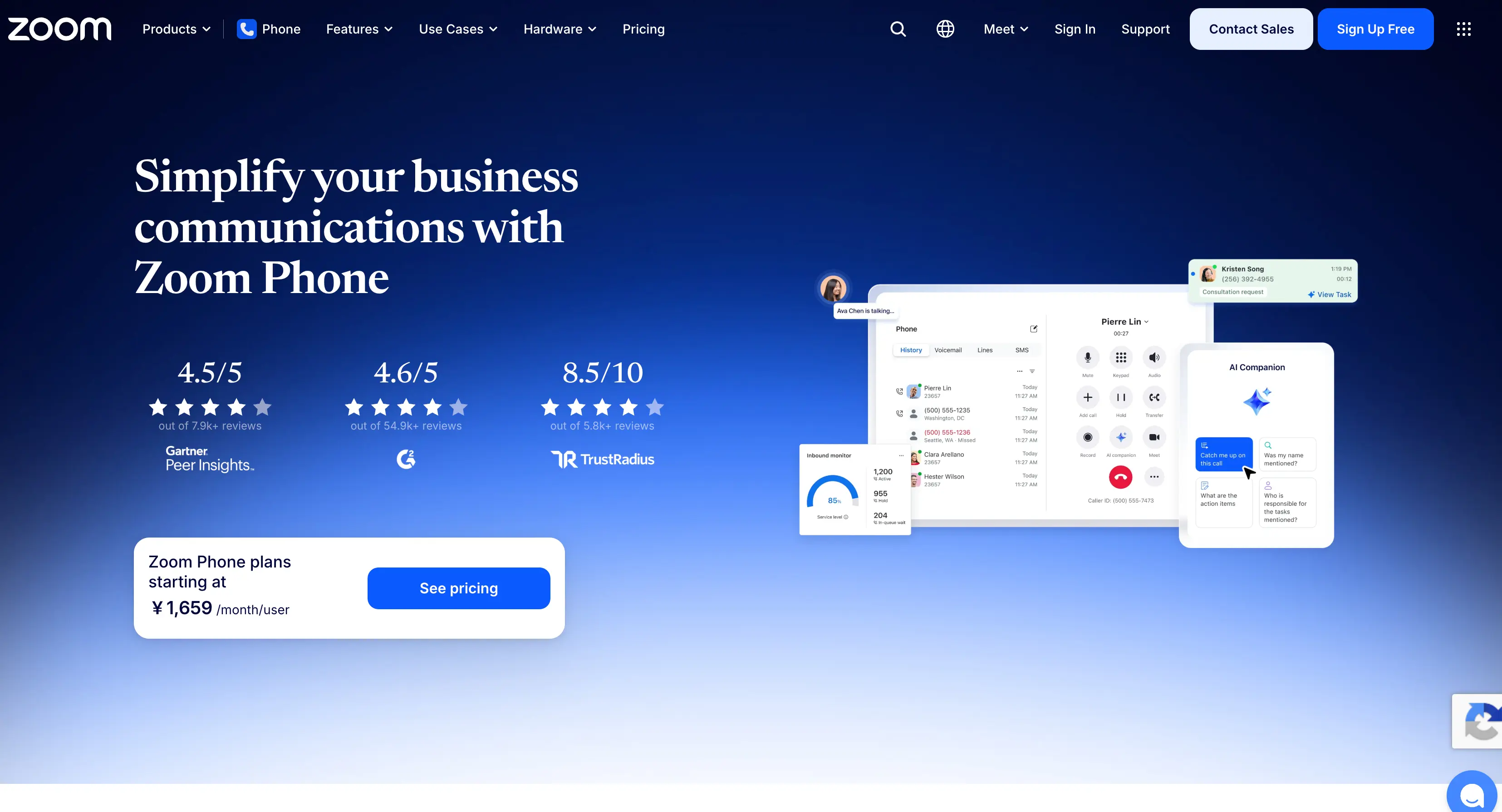
What it is: Zoom's cloud phone system. It is billed monthly per user and lives in the same account as Zoom Meetings and chat.
Pricing: The US & Canada pay-as-you-go (metered) plan is about $10.50/user/month, with outbound calls billed by actual usage; main plans run about $15 to $22.49/user/month (billed annually); the unlimited international calling add-on is about $10/month, and the countries it covers depend on Zoom's website.
Pros: Integrated with Zoom Meetings, so calls and meetings share one account; low entry price, and you can start with pay-as-you-go; an unlimited international calling add-on is available.
Cons: Pricing is complicated, with many plans, add-ons and bundles; there is no worldwide unlimited international calling; and per-user pricing makes it poor value for an individual who makes a few calls.
Best for: Small teams that already use Zoom for meetings and need phone service for employees.
6. Microsoft Teams
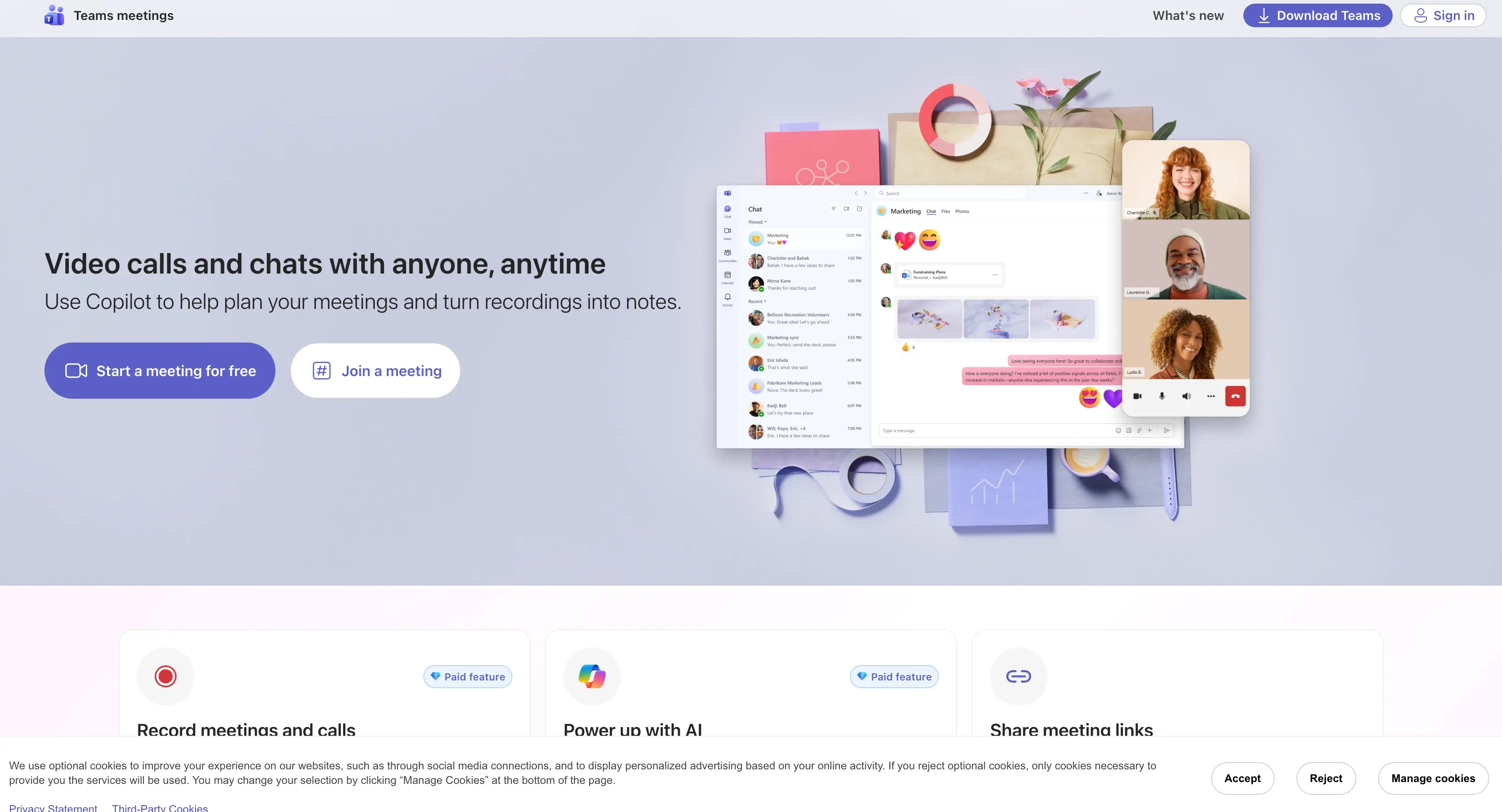
What it is: The free version of Teams cannot call regular phone numbers; the business version needs Teams Phone plus a calling plan.
Pricing: The domestic + international calling plan is about $34/user/month and includes a minute pool shared across the organization; the Teams Phone license is extra; there is also a pay-as-you-go plan, with international rates by destination.
Pros: Plan minutes are shared across the organization; calls, meetings and chat are built into Microsoft 365; international calling covers 196 countries and regions.
Cons: Costs stack up across several licenses, which makes it expensive; setup is complicated and needs an administrator; calling plans are only sold in roughly 30 to 35 countries; and individuals cannot use it.
Best for: Organizations where everyone already uses Microsoft 365 and that need central management and a shared balance.
7. Google Voice
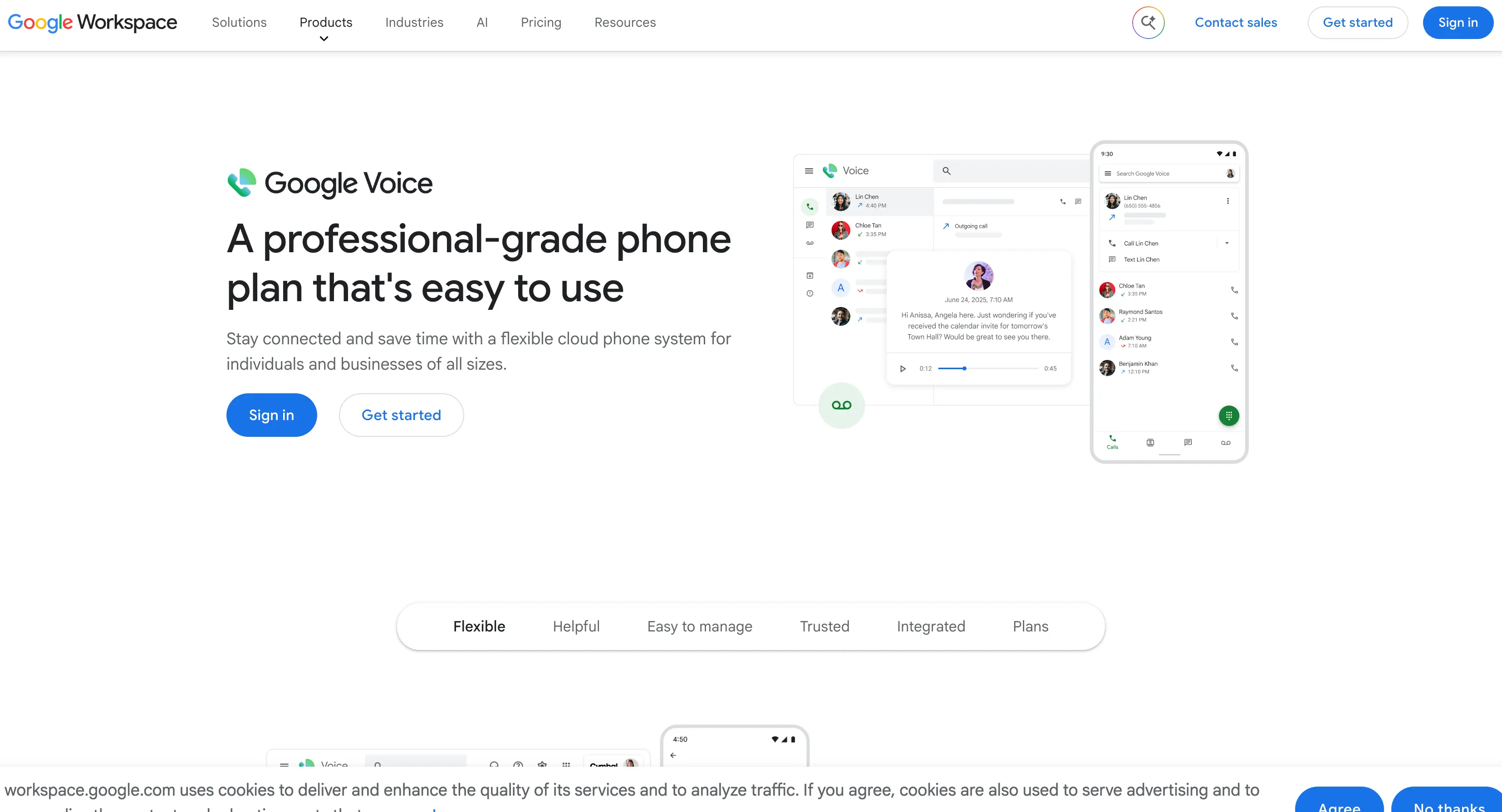
Key limitation: it essentially serves only US users.
What it is: A phone number service from Google that includes calling, texting and voicemail.
Pricing: Personal accounts are free; calls from the US to the US and Canada are almost all free, and calls abroad are charged at the rates on Google's site (see voice.google.com/rates). International calls require prepaid credit, with a balance cap of $70.
Pros: Free for personal use; transparent international rates; integrates with Gmail, Calendar and other Google services.
Cons: Personal accounts are only issued to US residents, and you cannot sign up from outside the US; you need a US mobile number and must complete verification; you cannot send text messages from outside the US; and there is no video calling.
Best for: Individuals or small businesses in the US who need to call other countries.
How to choose
- Just want free chat: WhatsApp.
- Occasional international calls, no subscription, no app: Telhey.
- Calling one country every month: Check Viber Out's single-country plans first.
- Unstable internet: Rebtel's local-line mode.
- Central management for employees: Zoom Phone or Teams.
- Living in the US: Google Voice.
FAQ
What happened when Skype shut down?
Skype stopped service on May 5, 2025. Free users can sign in to the free version of Teams with their old account, and contacts and chat history can be migrated; but free Teams cannot call regular mobile phones and landlines. Microsoft no longer sells paid Skype calling services to new customers, and Skype numbers and SMS were discontinued as well.
Can I still use my Skype Credit balance?
At shutdown, Microsoft said paid users could keep using their remaining balance or subscription through the Dial Pad until the end of the current period. Whether it still works now, and whether refunds are available, you should confirm directly with Microsoft.
Can I move my Skype number to another provider?
Microsoft asked users to port their numbers out before the shutdown. If you did not, contact Microsoft support to confirm where things stand.
Is there a free way to make international calls?
When the other person uses the same app, app-to-app calls on WhatsApp, Viber and similar apps are free and only use data. Calling regular numbers that are not on those apps requires a paid service.
Which should I use to call a bank, airline or government office?
Choose a service that can dial regular international numbers (Telhey, Viber Out, Rebtel and others). Toll-free and special-service numbers may be excluded, billed differently or unreachable, so look for a regular international number from the organization and confirm the rate before you call.
Can I make calls without installing an app?
Yes. Telhey dials directly in your browser; you need an internet connection and must allow microphone access.
Sources
- Viber Out: rates page, plans and credit FAQ
- Rebtel: rates; US rate and global plan price from Telhey's comparison page
- Zoom Phone: Nextiva, CloudTalk
- Microsoft Teams: Panterra Networks, UC Today
- Google Voice: rates, Google's plan comparison
- WhatsApp: Business Calling pricing