Guides ·
Your first browser call, from hello to hang-up
A practical guide to getting your microphone ready, checking your destination, and making a more considered call with Telhey.
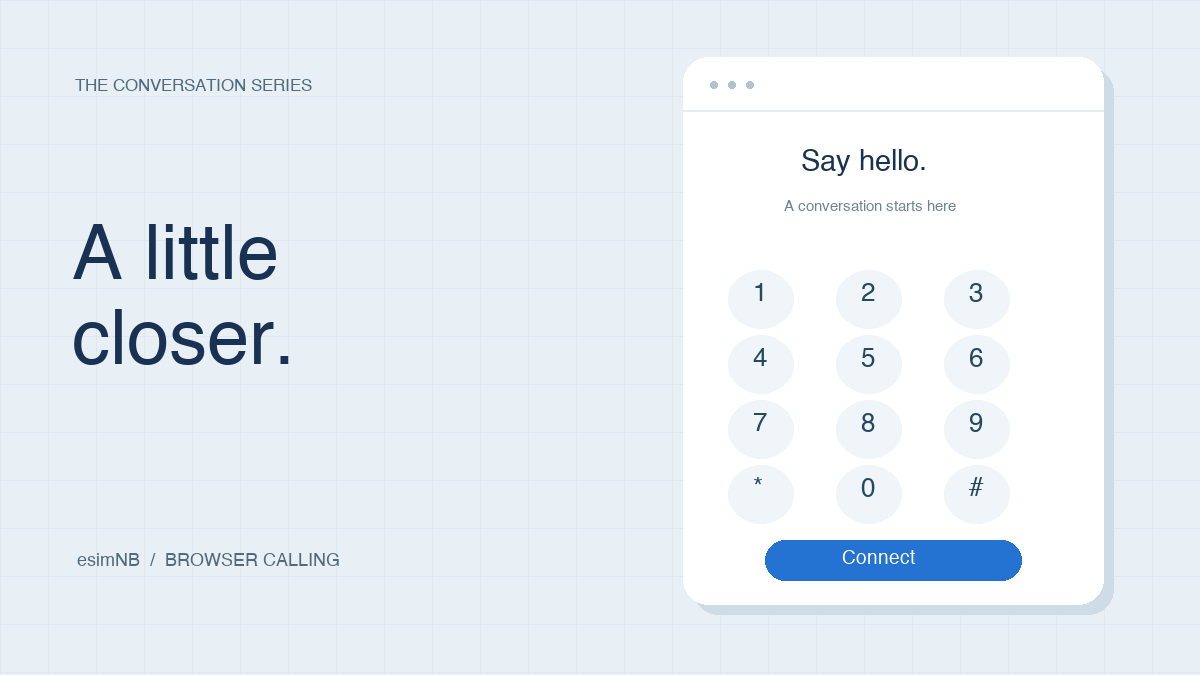
A good call starts before anyone answers. A working microphone, a number in the right format, and a clear reason for calling can make the conversation easier for everyone.
This guide walks through the browser calling workflow in Telhey, from preparing your audio to reviewing a completed call.
Before you dial
Find a quiet space and connect your headset before opening the dialer. If you have several audio devices connected, check which microphone your browser is using.
| What to check | Why it matters |
|---|---|
| Microphone access | The browser needs permission to capture your voice. |
| Audio output | Your headset or speakers need to play the other person's audio. |
| Internet connection | An unstable connection can interrupt the conversation. |
| Destination number | Include the country code and check the complete number. |
| Wallet and rate estimate | Review your balance and the displayed estimate before calling. |
Take a moment to prepare. The person at the other end should get your attention, not your audio troubleshooting.
Make your first call
Open your workspace
Sign in to Telhey and open the dialer. If you belong to more than one team, select the intended workspace before placing the call.
Prepare your microphone
Allow microphone access when your browser asks for it. If you previously blocked access, update the permission for this site in your browser settings and try again.
Enter the destination
Use the international format: a +, the country calling code, and the national number. For example, the fictional North American number +12025550146 shows the format; do not use it as a test destination.
Check the rate shown for your destination. An estimate helps you decide whether to proceed; the completed call record is where you review the final charge.
Start the conversation
Press the call button when you are ready. Introduce yourself, confirm that it is a good time to talk, and explain why you are calling.
Hang up and review
End the call using the hang-up control. Review the call history for its status, duration, and charge once processing has completed.
Keep the conversation focused
A little structure leaves more room to listen. Write down your purpose before dialing, then use it as a guide rather than a script.
- Open with context. Say who you are and what you are following up on.
- Ask one question at a time. Give the other person room to answer.
- Confirm the next step. Repeat any agreed action before ending the call.
A short note can be enough:
Purpose: Confirm the details of an existing request.
Question: Is there anything else you need from me?
Next step: Agree on who will follow up, and when.
When something does not work
Check the microphone permission for this site, then check your operating system's privacy settings. Make sure the intended microphone is connected and selected before trying again.
Check your output device and volume. Bluetooth headphones can connect to a different device unexpectedly, so confirm that your browser's audio is reaching the headset you are wearing.
Recheck the full international number, your connection, and the message displayed in the dialer. Destination availability and account configuration can affect whether a call is allowed. Avoid repeatedly dialing without checking the reported issue.
Ready for your next conversation
You do not need a long checklist every time. Once your audio is working, focus on the destination, the displayed rate, and the person you want to reach.